How Many Players Can Your Minecraft Server Handle? A Practical Capacity Guide
Last updated: 2026-02-22 • Category: Minecraft server hosting
A capacity model based on CPU ticks, view distance, entities, and plugin/mod load.
1) Capacity is workload, not just RAM
Server capacity is the highest player count where the server still simulates the game smoothly. Many people try to reduce this to “players per GB RAM,” but the main bottleneck for Minecraft servers is usually CPU tick time. RAM matters (too little memory causes stutter and frequent garbage collection), but a server with “enough” RAM can still lag if the tick loop is overloaded.
2) The capacity drivers you can actually control
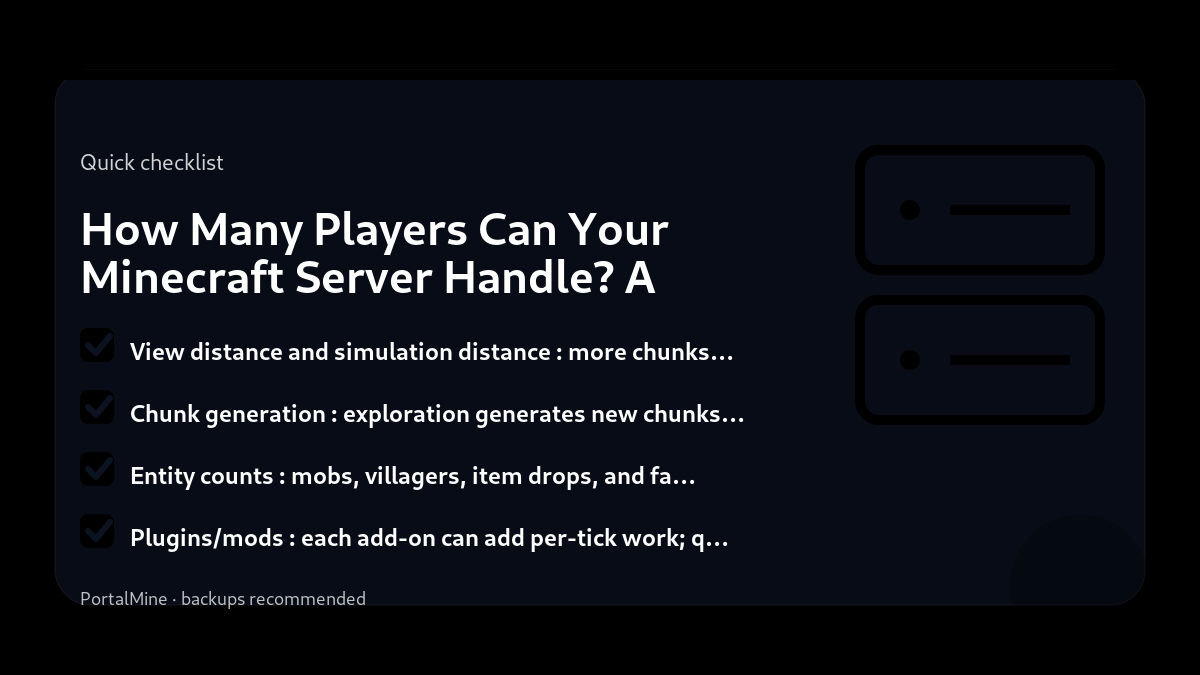
- View distance and simulation distance: more chunks per player means more work per tick.
- Chunk generation: exploration generates new chunks and is CPU-expensive.
- Entity counts: mobs, villagers, item drops, and farms are heavy.
- Plugins/mods: each add-on can add per-tick work; quality matters.
- Player behavior: events (everyone in one region) create density spikes.
3) A practical way to estimate capacity
Start with a small group and measure. Increase players gradually and observe when TPS begins to drop under normal play. Capacity is not the number you want; it is the number you can sustain while keeping the server stable and enjoyable.
4) Scaling without upgrading
Before upgrading resources, tune the big levers: reduce view distance slightly, reduce entity hotspots, avoid constant chunk generation, and audit heavy plugins. These steps often yield the highest benefit per minute of effort.
5) PortalMine workflow
PortalMine helps you reach the “test in real life” stage quickly: create a server, invite players, observe, tune, and repeat.
Bottom line: capacity is a function of tick budget and gameplay workload. Measure it, don’t guess it.
Practical checklist
- Write down your goal (friends-only, public community, modded pack, minigames).
- Start with the simplest configuration that meets that goal.
- Document every change you make (date + what + why).
- Test with a small group before you announce it publicly.
Common mistakes to avoid
- Installing too many plugins/mods at once, then not knowing what caused problems.
- Changing ten settings at the same time instead of one variable per test.
- Giving operator access too widely (a fast path to griefing and accidents).
- Running without backups or relying on “I’ll remember to back up later”.
PortalMine tip
If you’re using PortalMine, keep your onboarding simple: link your players to one message that includes the server address, version, and a short rules page. Then link the FAQ for quick fixes and the Status page for maintenance updates. Clear, stable information reduces “support spam”.
Practical checklist
- Write down your goal (friends-only, public community, modded pack, minigames).
- Start with the simplest configuration that meets that goal.
- Document every change you make (date + what + why).
- Test with a small group before you announce it publicly.
Common mistakes to avoid
- Installing too many plugins/mods at once, then not knowing what caused problems.
- Changing ten settings at the same time instead of one variable per test.
- Giving operator access too widely (a fast path to griefing and accidents).
- Running without backups or relying on “I’ll remember to back up later”.
PortalMine tip
If you’re using PortalMine, keep your onboarding simple: link your players to one message that includes the server address, version, and a short rules page. Then link the FAQ for quick fixes and the Status page for maintenance updates. Clear, stable information reduces “support spam”.
Practical checklist
- Write down your goal (friends-only, public community, modded pack, minigames).
- Start with the simplest configuration that meets that goal.
- Document every change you make (date + what + why).
- Test with a small group before you announce it publicly.
Common mistakes to avoid
- Installing too many plugins/mods at once, then not knowing what caused problems.
- Changing ten settings at the same time instead of one variable per test.
- Giving operator access too widely (a fast path to griefing and accidents).
- Running without backups or relying on “I’ll remember to back up later”.
PortalMine tip
If you’re using PortalMine, keep your onboarding simple: link your players to one message that includes the server address, version, and a short rules page. Then link the FAQ for quick fixes and the Status page for maintenance updates. Clear, stable information reduces “support spam”.
Practical checklist
- Write down your goal (friends-only, public community, modded pack, minigames).
- Start with the simplest configuration that meets that goal.
- Document every change you make (date + what + why).
- Test with a small group before you announce it publicly.
Common mistakes to avoid
- Installing too many plugins/mods at once, then not knowing what caused problems.
- Changing ten settings at the same time instead of one variable per test.
- Giving operator access too widely (a fast path to griefing and accidents).
- Running without backups or relying on “I’ll remember to back up later”.
PortalMine tip
If you’re using PortalMine, keep your onboarding simple: link your players to one message that includes the server address, version, and a short rules page. Then link the FAQ for quick fixes and the Status page for maintenance updates. Clear, stable information reduces “support spam”.
Quick FAQ
Why does exploration lag servers?
Do plugins reduce player capacity?
Should I raise slots immediately?
Try it on PortalMine
Want to apply this fast? Start on PortalMine: create a server, get your connect address, and manage it from a simple panel. Use Home, then read How it works, and keep an eye on Status.
Key takeaways
- Focus on the basics of capacity first, then add advanced tweaks when stable.
- Measure results (TPS, memory, player feedback) before and after any capacity change.
- Document your capacity decisions so you can troubleshoot faster later.
- Start simple: change one setting at a time and test.
- Keep backups before major changes (updates, plugins, or modpacks).
Practical checklist
- Confirm your Minecraft edition and server version.
- Keep a copy of configs before changing anything.
- Restart after major changes and test with one player first.
- Watch console/logs for warnings and plugin errors.
FAQ
What is the safest way to try this change?
Back up first and change one thing at a time so you can roll back quickly.
How do I know if it helped?
Measure before/after (TPS, join time, crash frequency, player feedback).
Where can I learn more?
See related guides on the PortalMine Blog and the troubleshooting FAQ.
Ready to try it?
Create your server, pick the right version, and invite friends. If you’re new, start with the How it works page. For limits and upgrade options, see Plans & limits.