Is Free Minecraft Server Hosting Realistic? What to Expect (and What to Avoid)
Last updated: 2026-02-22 • Category: Minecraft server hosting
Free hosting can be perfect for small groups—if you understand limits and protect your world.
1) Free hosting is a starter plan, not a miracle
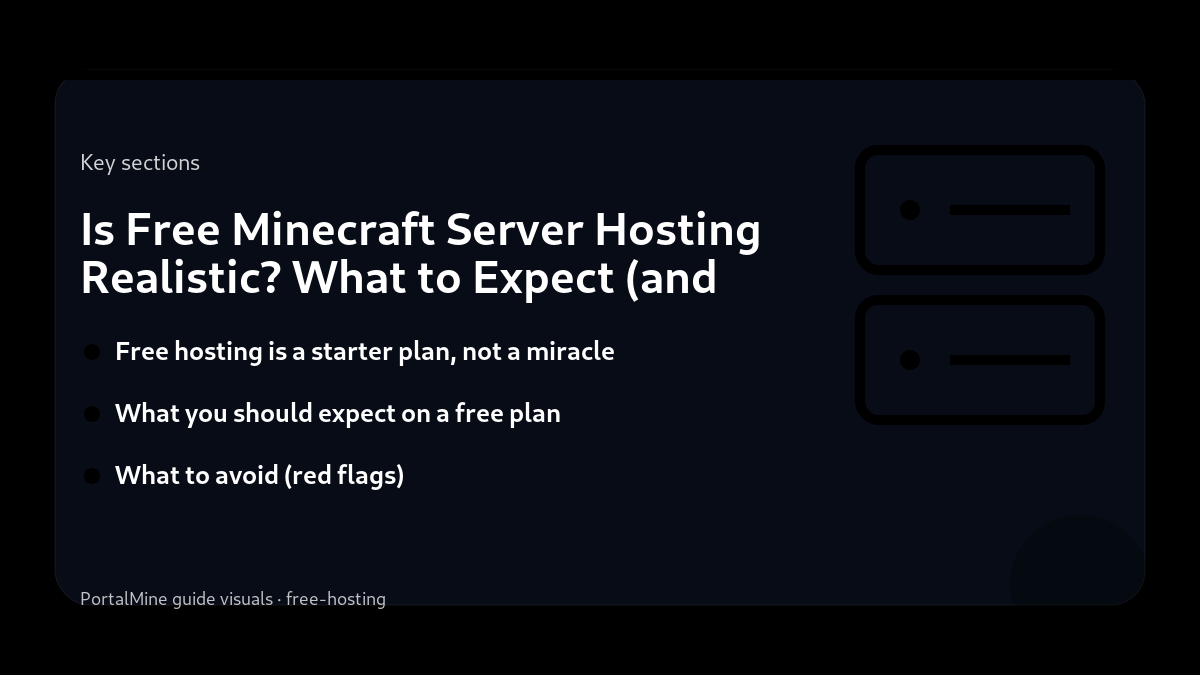
Free Minecraft server hosting is realistic and useful when you treat it like a starter plan designed for small communities. The goal is to let beginners launch quickly, learn administration, and run a server for friends without immediately paying. To keep the platform stable, free hosting almost always comes with fair-use limits such as CPU/RAM caps, storage limits, and rules around uptime when a server is idle.
2) What you should expect on a free plan
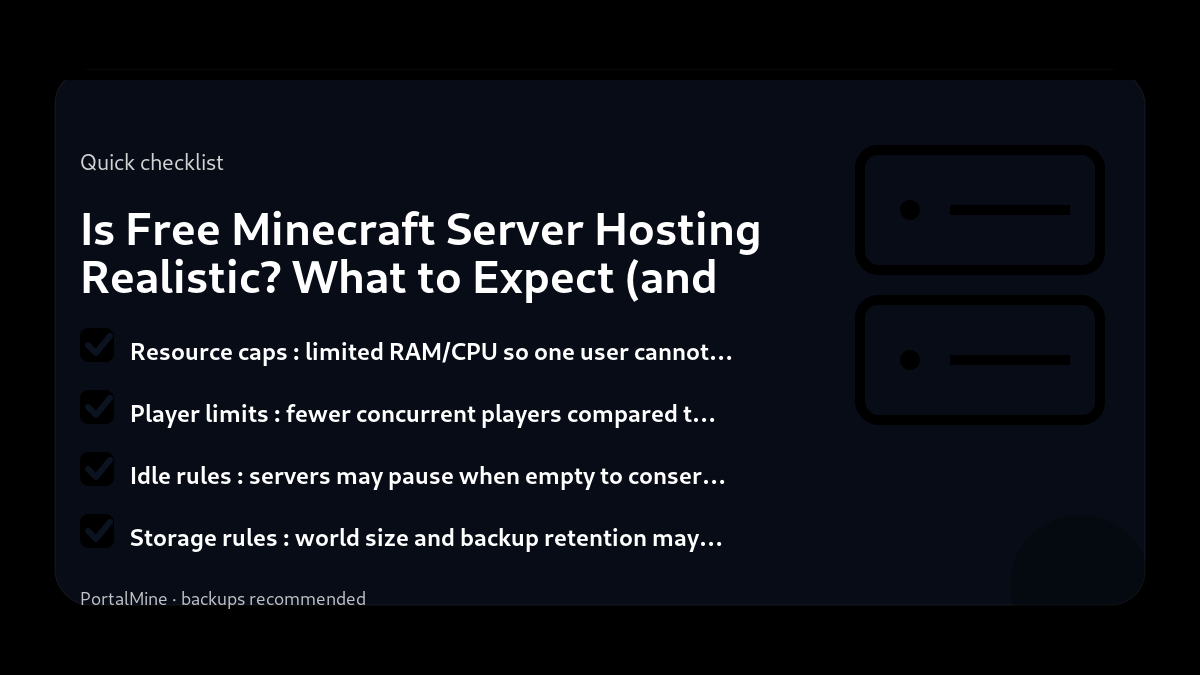
- Resource caps: limited RAM/CPU so one user cannot monopolize the platform.
- Player limits: fewer concurrent players compared to paid plans.
- Idle rules: servers may pause when empty to conserve resources.
- Storage rules: world size and backup retention may be limited.
- Support scope: more reliance on documentation and self-service pages.
3) What to avoid (red flags)
“Free” can sometimes hide real costs. Avoid platforms with unclear policies, no status visibility, or suspicious downloads. A trustworthy platform should explain how it enforces fairness, what limitations exist, and how users can recover from problems (backups, restore procedures, and transparent incident communication).
4) Make free hosting feel premium with smart choices
Most performance problems on small servers come from predictable causes: extreme view distance, constant chunk generation, entity-heavy farms, and too many plugins/mods. Keep your first server minimal. Add features only when you can measure their impact and you have a reason to add them.
5) PortalMine’s approach
PortalMine is designed around a simple workflow: create a server fast, share a join address, and manage it from a clear panel. The goal is to remove friction for new admins and let communities start playing quickly, then learn optimization gradually.
Bottom line: free hosting is a strong starting point for friends and learning communities when you respect fair-use limits and focus on stability first.
Practical checklist
- Write down your goal (friends-only, public community, modded pack, minigames).
- Start with the simplest configuration that meets that goal.
- Document every change you make (date + what + why).
- Test with a small group before you announce it publicly.
Common mistakes to avoid
- Installing too many plugins/mods at once, then not knowing what caused problems.
- Changing ten settings at the same time instead of one variable per test.
- Giving operator access too widely (a fast path to griefing and accidents).
- Running without backups or relying on “I’ll remember to back up later”.
PortalMine tip
If you’re using PortalMine, keep your onboarding simple: link your players to one message that includes the server address, version, and a short rules page. Then link the FAQ for quick fixes and the Status page for maintenance updates. Clear, stable information reduces “support spam”.
Practical checklist
- Write down your goal (friends-only, public community, modded pack, minigames).
- Start with the simplest configuration that meets that goal.
- Document every change you make (date + what + why).
- Test with a small group before you announce it publicly.
Common mistakes to avoid
- Installing too many plugins/mods at once, then not knowing what caused problems.
- Changing ten settings at the same time instead of one variable per test.
- Giving operator access too widely (a fast path to griefing and accidents).
- Running without backups or relying on “I’ll remember to back up later”.
PortalMine tip
If you’re using PortalMine, keep your onboarding simple: link your players to one message that includes the server address, version, and a short rules page. Then link the FAQ for quick fixes and the Status page for maintenance updates. Clear, stable information reduces “support spam”.
Practical checklist
- Write down your goal (friends-only, public community, modded pack, minigames).
- Start with the simplest configuration that meets that goal.
- Document every change you make (date + what + why).
- Test with a small group before you announce it publicly.
Common mistakes to avoid
- Installing too many plugins/mods at once, then not knowing what caused problems.
- Changing ten settings at the same time instead of one variable per test.
- Giving operator access too widely (a fast path to griefing and accidents).
- Running without backups or relying on “I’ll remember to back up later”.
PortalMine tip
If you’re using PortalMine, keep your onboarding simple: link your players to one message that includes the server address, version, and a short rules page. Then link the FAQ for quick fixes and the Status page for maintenance updates. Clear, stable information reduces “support spam”.
Practical checklist
- Write down your goal (friends-only, public community, modded pack, minigames).
- Start with the simplest configuration that meets that goal.
- Document every change you make (date + what + why).
- Test with a small group before you announce it publicly.
Common mistakes to avoid
- Installing too many plugins/mods at once, then not knowing what caused problems.
- Changing ten settings at the same time instead of one variable per test.
- Giving operator access too widely (a fast path to griefing and accidents).
- Running without backups or relying on “I’ll remember to back up later”.
Quick FAQ
Will free servers run 24/7?
Can I run big modpacks for free?
What’s the #1 protection step?
Try it on PortalMine
Want to apply this fast? Start on PortalMine: create a server, get your connect address, and manage it from a simple panel. Use Home, then read How it works, and keep an eye on Status.
Key takeaways
- Focus on the basics of free first, then add advanced tweaks when stable.
- Measure results (TPS, memory, player feedback) before and after any hosting change.
- Document your free decisions so you can troubleshoot faster later.
- Start simple: change one setting at a time and test.
- Keep backups before major changes (updates, plugins, or modpacks).
Practical checklist
- Confirm your Minecraft edition and server version.
- Keep a copy of configs before changing anything.
- Restart after major changes and test with one player first.
- Watch console/logs for warnings and plugin errors.
FAQ
What is the safest way to try this change?
Back up first and change one thing at a time so you can roll back quickly.
How do I know if it helped?
Measure before/after (TPS, join time, crash frequency, player feedback).
Where can I learn more?
See related guides on the PortalMine Blog and the troubleshooting FAQ.
Ready to try it?
Create your server, pick the right version, and invite friends. If you’re new, start with the How it works page. For limits and upgrade options, see Plans & limits.