Minecraft Server IP, Domain, and Port Explained
Last updated: 2026-02-22 • Category: Minecraft server hosting
A beginner-friendly networking guide to help players connect without confusion.
1) Why players get confused
Most connection problems are basic misunderstandings: IP vs domain vs port, wrong version, or typing mistakes. When you explain the address clearly and publish it in one place, the number of “can’t connect” messages drops sharply.
2) IP address: the host location
An IP address is the numerical network address of the host (or endpoint) providing the Minecraft server service. It identifies where traffic should go on the internet.
3) Domain: a human-friendly alias
A domain is a name that points to an IP through DNS. Domains are easier to remember and can stay constant even if the underlying IP changes.
4) Port: the “door” to the service
A single host can run many services, so ports separate them. Minecraft Java servers commonly use port 25565. If you use a non-default port, players must specify it (: play..com:25566).
5) What common errors usually mean
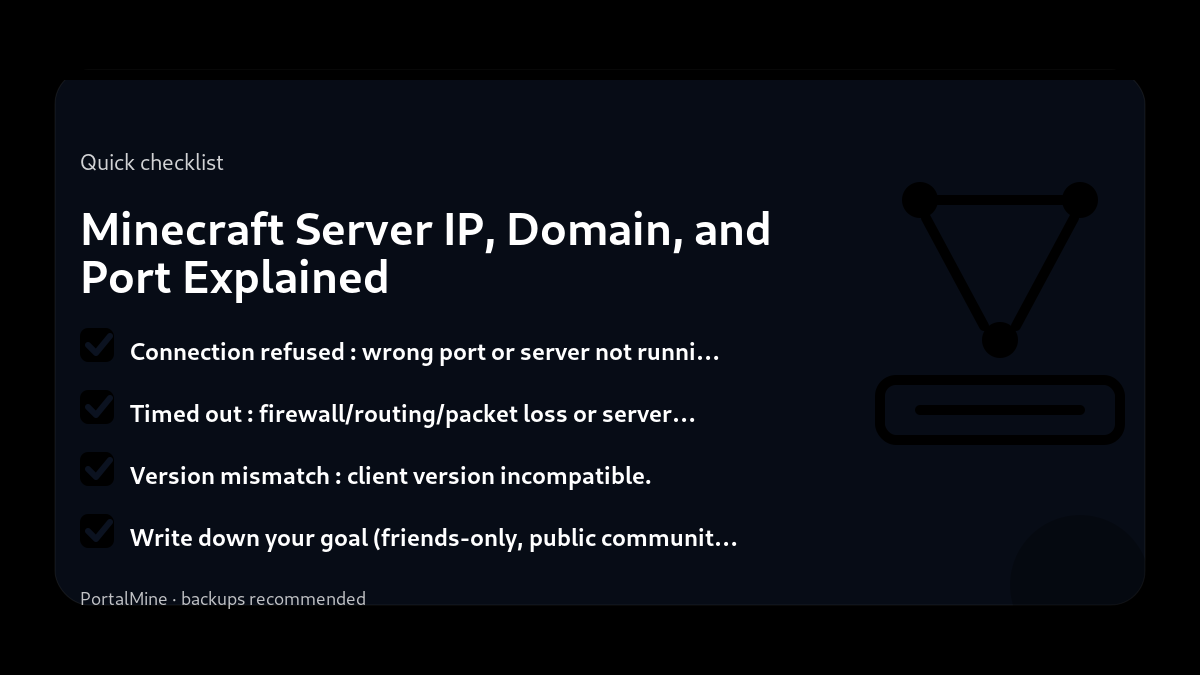
- Connection refused: wrong port or server not running.
- Timed out: firewall/routing/packet loss or server offline.
- Version mismatch: client version incompatible.
6) PortalMine best practice
PortalMine’s UI model—clear address and simple instructions—is exactly how you should present joining information in Discord and on your site.
Bottom line: domain/IP gets players to the host, and the port gets them to the correct service.
Practical checklist
- Write down your goal (friends-only, public community, modded pack, minigames).
- Start with the simplest configuration that meets that goal.
- Document every change you make (date + what + why).
- Test with a small group before you announce it publicly.
Common mistakes to avoid
- Installing too many plugins/mods at once, then not knowing what caused problems.
- Changing ten settings at the same time instead of one variable per test.
- Giving operator access too widely (a fast path to griefing and accidents).
- Running without backups or relying on “I’ll remember to back up later”.
PortalMine tip
If you’re using PortalMine, keep your onboarding simple: link your players to one message that includes the server address, version, and a short rules page. Then link the FAQ for quick fixes and the Status page for maintenance updates. Clear, stable information reduces “support spam”.
Practical checklist
- Write down your goal (friends-only, public community, modded pack, minigames).
- Start with the simplest configuration that meets that goal.
- Document every change you make (date + what + why).
- Test with a small group before you announce it publicly.
Common mistakes to avoid
- Installing too many plugins/mods at once, then not knowing what caused problems.
- Changing ten settings at the same time instead of one variable per test.
- Giving operator access too widely (a fast path to griefing and accidents).
- Running without backups or relying on “I’ll remember to back up later”.
PortalMine tip
If you’re using PortalMine, keep your onboarding simple: link your players to one message that includes the server address, version, and a short rules page. Then link the FAQ for quick fixes and the Status page for maintenance updates. Clear, stable information reduces “support spam”.
Practical checklist
- Write down your goal (friends-only, public community, modded pack, minigames).
- Start with the simplest configuration that meets that goal.
- Document every change you make (date + what + why).
- Test with a small group before you announce it publicly.
Common mistakes to avoid
- Installing too many plugins/mods at once, then not knowing what caused problems.
- Changing ten settings at the same time instead of one variable per test.
- Giving operator access too widely (a fast path to griefing and accidents).
- Running without backups or relying on “I’ll remember to back up later”.
PortalMine tip
If you’re using PortalMine, keep your onboarding simple: link your players to one message that includes the server address, version, and a short rules page. Then link the FAQ for quick fixes and the Status page for maintenance updates. Clear, stable information reduces “support spam”.
Practical checklist
- Write down your goal (friends-only, public community, modded pack, minigames).
- Start with the simplest configuration that meets that goal.
- Document every change you make (date + what + why).
- Test with a small group before you announce it publicly.
Common mistakes to avoid
- Installing too many plugins/mods at once, then not knowing what caused problems.
- Changing ten settings at the same time instead of one variable per test.
- Giving operator access too widely (a fast path to griefing and accidents).
- Running without backups or relying on “I’ll remember to back up later”.
PortalMine tip
If you’re using PortalMine, keep your onboarding simple: link your players to one message that includes the server address, version, and a short rules page. Then link the FAQ for quick fixes and the Status page for maintenance updates. Clear, stable information reduces “support spam”.
Practical checklist
- Write down your goal (friends-only, public community, modded pack, minigames).
- Start with the simplest configuration that meets that goal.
- Document every change you make (date + what + why).
- Test with a small group before you announce it publicly.
Quick FAQ
Do I need to share the port?
Is a domain better than an IP?
Why is it online but I can’t join?
Try it on PortalMine
Want to apply this fast? Start on PortalMine: create a server, get your connect address, and manage it from a simple panel. Use Home, then read How it works, and keep an eye on Status.
Key takeaways
- A domain (DNS) can point to your server IP so friends remember one address.
- Ports matter when hosting behind NAT or using non‑default service ports.
- If you share a custom port, include it like play.example.com:25565.
- Start simple: change one setting at a time and test.
- Keep backups before major changes (updates, plugins, or modpacks).
Practical checklist
- Confirm your Minecraft edition and server version.
- Keep a copy of configs before changing anything.
- Restart after major changes and test with one player first.
- Watch console/logs for warnings and plugin errors.
FAQ
Do I need to open a port at home?
Not if you’re using a hosted server. Home hosting often needs port forwarding.
Why do some servers use :25565?
25565 is the Java default. You only need it if you’re not on the default port.
What’s the difference between IP and domain?
A domain is a name that points to an IP through DNS.
Ready to try it?
Create your server, pick the right version, and invite friends. If you’re new, start with the How it works page. For limits and upgrade options, see Plans & limits.