Minecraft Java vs Bedrock Servers: What’s the Real Difference?
Last updated: 2026-02-22 • Category: Minecraft server hosting
A clear comparison focused on multiplayer hosting: compatibility, plugins/mods, and community fit.
1) Two editions, two multiplayer ecosystems
Minecraft Java Edition and Minecraft Bedrock Edition share the same brand and core gameplay loop, but their multiplayer ecosystems differ in important ways. Java is historically the PC-focused, community-driven ecosystem where server owners rely on a rich world of plugins and mods. Bedrock is designed for broad cross-platform play (mobile, consoles, and Windows), and the server experience tends to prioritize easy access for those clients.
2) Joining compatibility: who can actually connect?
Java servers are meant for Java clients (PC/Mac/Linux). If most of your players are on PC and you want the broadest server customization options, Java is usually the default choice.
Bedrock servers are meant for Bedrock clients (mobile/console/Windows). If your community includes many console or phone players, Bedrock often provides the most frictionless entry.
There are advanced setups that allow Bedrock players to join Java servers using bridging layers. These can work, but they add operational complexity and sometimes introduce feature limitations. For a first community server, the simplest rule remains: match your server edition to your player devices.
3) Customization: plugins and mods
Java’s biggest advantage is its customization ecosystem. For many public communities, plugins are the core toolset: permissions, protection/claims, economy, chat moderation, anti-cheat tools, and event systems. Mods are another layer: deep gameplay changes, new dimensions, new items, and custom progression systems. Mods often require players to install matching client mods, which increases onboarding friction.
Bedrock supports add-ons and behavior packs, but the culture and tooling differ. Many Bedrock communities keep configurations closer to the base experience, while Java communities frequently build heavily customized “server identities.”
4) Performance and tuning differences
Java server performance is often constrained by tick loop workload and CPU single-thread speed. Because so many people host Java servers, the community has produced extensive optimization practices: tuning view distance, controlling entity counts, choosing optimized server implementations, and auditing plugin performance. Bedrock servers can be efficient too, but the tuning practices and admin tooling are not identical.
5) Administration experience: why platform UX matters
Many new admins underestimate administration effort. A public server needs stable join instructions, clear rules, backups, and moderation. Even private servers benefit from simple management: start/stop, updates, and quick troubleshooting. A platform like PortalMine is valuable when it reduces setup overhead: create a server quickly, get a join address, and manage it from a simple panel without forcing beginners into confusing manual steps.
6) Decide based on community goals
Use a requirements-first decision:
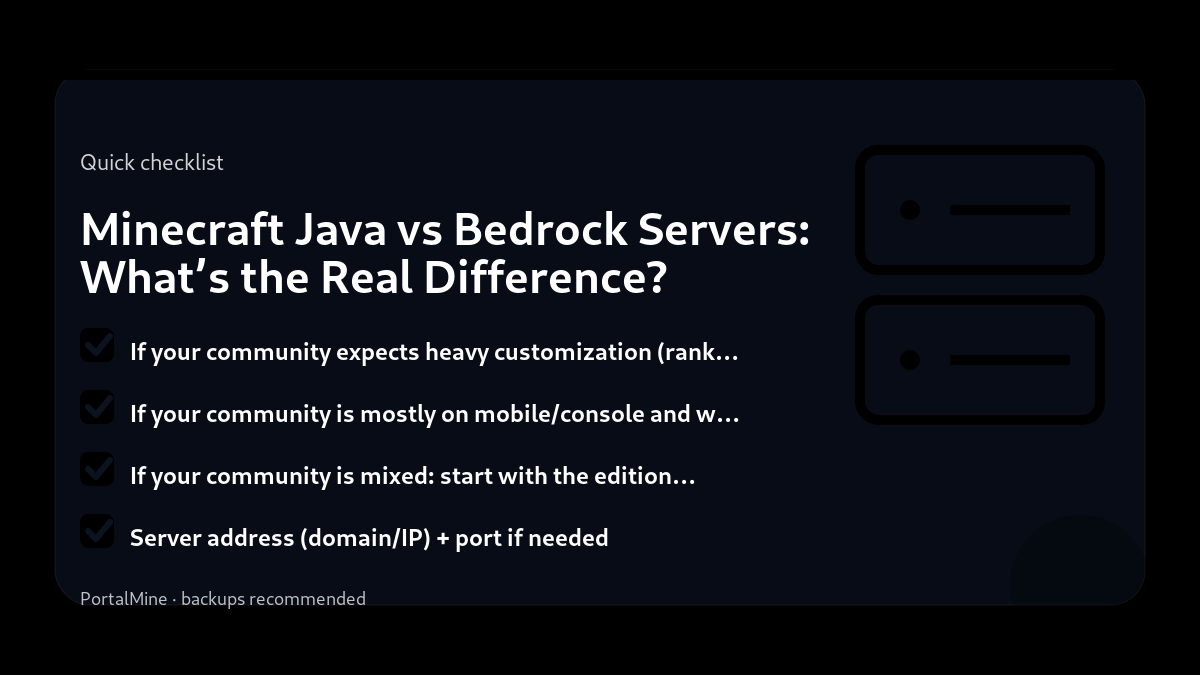
- If your community expects heavy customization (ranks, economies, protection, events), and players are mostly on PC: Java is usually the best fit.
- If your community is mostly on mobile/console and wants easy access: Bedrock is usually the most practical choice.
- If your community is mixed: start with the edition the majority can join today, then consider bridging solutions later if you truly need them.
7) Practical onboarding for either edition
No matter which edition you choose, most “I can’t join” messages come from unclear information. Publish a single join message:
- Server address (domain/IP) + port if needed
- Edition (Java/Bedrock) and version
- Short rules link and basic expectations
- FAQ link for common errors
This tiny effort reduces support noise dramatically and makes your server feel professional.
8) PortalMine positioning
PortalMine is designed for the “get online fast” stage. If you’re running Java, it helps you reach a working server with minimal friction, then grow into plugins and performance tuning. If you run Bedrock, the same principle applies: simplify onboarding and keep information stable.
Bottom line: Java vs Bedrock is not about which is “better.” It’s about compatibility and ecosystem fit: who needs to join, how much customization you want, and how much maintenance effort you can realistically handle.
Practical checklist
- Write down your goal (friends-only, public community, modded pack, minigames).
- Start with the simplest configuration that meets that goal.
- Document every change you make (date + what + why).
- Test with a small group before you announce it publicly.
Common mistakes to avoid
- Installing too many plugins/mods at once, then not knowing what caused problems.
- Changing ten settings at the same time instead of one variable per test.
- Giving operator access too widely (a fast path to griefing and accidents).
- Running without backups or relying on “I’ll remember to back up later”.
PortalMine tip
If you’re using PortalMine, keep your onboarding simple: link your players to one message that includes the server address, version, and a short rules page. Then link the FAQ for quick fixes and the Status page for maintenance updates. Clear, stable information reduces “support spam”.
Practical checklist
- Write down your goal (friends-only, public community, modded pack, minigames).
- Start with the simplest configuration that meets that goal.
- Document every change you make (date + what + why).
- Test with a small group before you announce it publicly.
Quick FAQ
Can Bedrock players join Java servers?
Which edition is best for plugins?
What should mixed-device groups do?
Try it on PortalMine
Want to apply this fast? Start on PortalMine: create a server, get your connect address, and manage it from a simple panel. Use Home, then read How it works, and keep an eye on Status.
Key takeaways
- Java has the largest plugin/mod ecosystem; Bedrock focuses on cross‑platform play.
- Client compatibility is strict: Java and Bedrock are different protocols.
- Performance tuning differs: Paper/Purpur are Java‑only optimizers.
- Start simple: change one setting at a time and test.
- Keep backups before major changes (updates, plugins, or modpacks).
Practical checklist
- Confirm your Minecraft edition and server version.
- Keep a copy of configs before changing anything.
- Restart after major changes and test with one player first.
- Watch console/logs for warnings and plugin errors.
FAQ
Can Bedrock players join a Java server?
Not directly. It usually requires a bridge plugin and has limitations.
Which one should I choose for plugins?
Java + Paper/Purpur is typically best for plugins and performance tuning.
Which one is best for mobile?
Bedrock is designed for cross‑platform play (mobile/console/Windows).
Ready to try it?
Create your server, pick the right version, and invite friends. If you’re new, start with the How it works page. For limits and upgrade options, see Plans & limits.