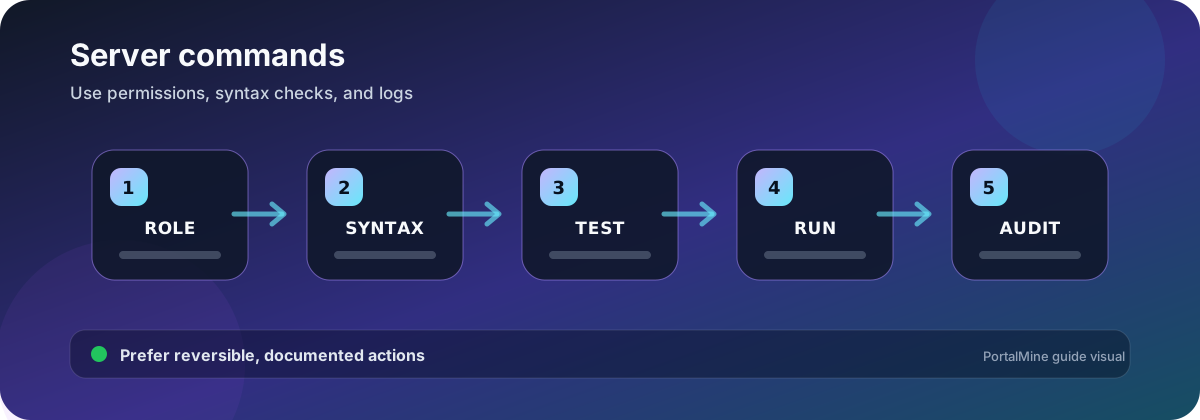
PortalMine workflow diagram. Verify software-specific values against the current official documentation before changing a production server.
Use the console deliberately
Commands can change permissions, player data, world rules, inventories, and server state immediately. Copy the command from a trusted reference, understand the target selector, and test destructive operations on a backup. Console commands normally omit the leading slash; in-game chat commands use it.
Access and operator commands
| Purpose | Java-style example | Owner note |
|---|---|---|
| List players | list | Confirm who is online before maintenance |
| Add to whitelist | whitelist add PlayerName | Use the exact account name and keep whitelist enabled |
| Remove from whitelist | whitelist remove PlayerName | Does not necessarily ban the account |
| Grant operator | op PlayerName | Give only to trusted administrators |
| Remove operator | deop PlayerName | Review other permission plugins too |
| Kick player | kick PlayerName reason | Use a clear reason and document moderation actions |
Moderation commands
Ban, pardon, whitelist, kick, and operator commands are only part of a moderation system. Keep a written rule, evidence, staff notes, and appeal process. Permission plugins can provide narrower roles than full operator access.
World and gameplay commands
| Task | Example | Caution |
|---|---|---|
| Set difficulty | difficulty hard | Hardcore and plugin behavior may impose additional rules |
| Set default game mode | defaultgamemode survival | Existing players can retain individual modes |
| Set a player mode | gamemode creative PlayerName | Use explicit player targets |
| Set world spawn | setworldspawn | Test safe arrival and protection |
| Change time | time set day | Can affect farms and gameplay |
| Change weather | weather clear | Plugins may override it |
| Teleport | tp PlayerName x y z | Check destination safety and dimension syntax |
Saving and shutdown
Use a controlled shutdown rather than killing the process. A save command can request world data to be written, but it is not a substitute for a separate backup. Before maintenance, announce the stop, confirm players have disconnected, save, and use the supported stop control.
Java and Bedrock syntax can differ
Do not assume every Java command, selector, permission level, or argument works on Bedrock/Nukkit. Use the command help available in the server and the official Bedrock command reference for the active version.
Command-change checklist
- Confirm which edition and server software you are running.
- Check whether the command runs from console or requires an in-game player.
- Use an explicit player name when a broad selector is unnecessary.
- Back up before commands that modify large areas or persistent data.
- Record staff and moderation commands.
- Verify the result with a non-operator player.
Frequently asked questions
Do console commands need a slash?
Many server consoles accept commands without the leading slash, while in-game chat uses a slash. Follow the panel’s console behavior.
Why does a command work in Java but not Bedrock?
The editions have different command implementations, syntax, and permission models.
Is OP the same as a permission plugin role?
No. OP grants broad built-in power. A permission plugin can create narrower roles on compatible software.
Does save-all create a backup?
No. It writes world state but does not create an independent restore copy.
Can I undo a command?
Many commands have no automatic undo. Use backups and explicit targets before destructive operations.
Why does the console say unknown command?
Check software, edition, spelling, plugin availability, permission, and version-specific syntax.
Should staff share one operator account?
No. Use individual accounts so actions can be traced and access can be removed separately.
Where can I verify Bedrock syntax?
Use Microsoft’s current Minecraft Creator command reference and the server’s built-in help.
Official references and further reading
- How to Use Commands in Minecraft — Official overview of commands, arguments, and common examples.
- Bedrock command reference — Microsoft’s current Bedrock command list and permissions.
- Paper server.properties reference — Official Java server property descriptions.