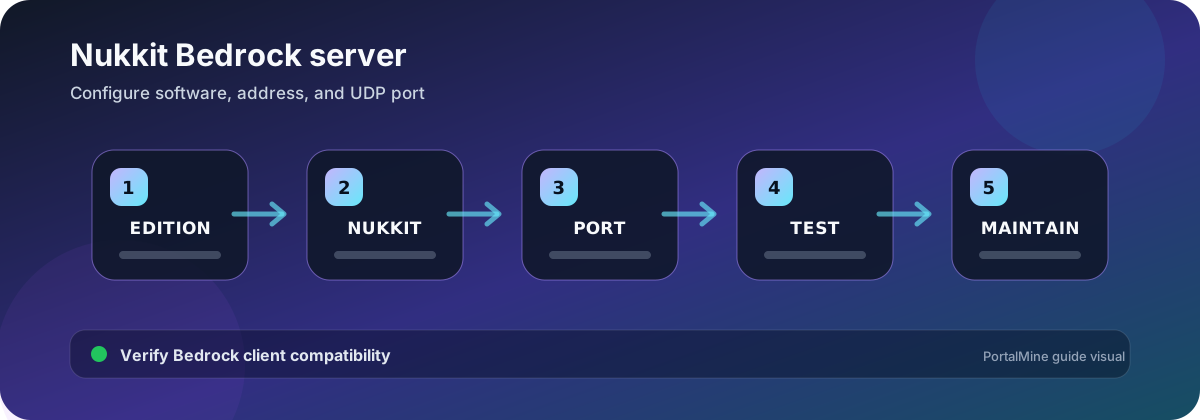
PortalMine workflow diagram. Verify software-specific values against the current official documentation before changing a production server.
Use Nukkit when you need its Bedrock plugin ecosystem
Nukkit is a server implementation for Bedrock-protocol communities. It is not the official Bedrock Dedicated Server and does not reproduce every mechanic, world format, add-on, command, or version behavior exactly. Choose it because a required Nukkit plugin or workflow is supported, not because the name “Bedrock” guarantees complete parity.
PortalMine creation checklist
- Select Bedrock and Nukkit during server creation.
- Keep Hardcore Mode off unless the offered software and gameplay plan explicitly support the intended behavior.
- Wait for installation to finish before pressing Start repeatedly.
- Read the console for the listening address and port.
- Join with a compatible Bedrock client.
- Create a backup before adding plugins.
Remember that Bedrock commonly uses UDP
A firewall can allow a port number for TCP while still blocking Bedrock’s UDP traffic. When troubleshooting, confirm the exact address and port shown by PortalMine, the protocol expected by the client, and whether the player is on a network that restricts game traffic.
| Symptom | Check first | Next action |
|---|---|---|
| Server appears online but client times out | Correct host, port, and UDP reachability | Test from a second network and inspect panel logs |
| Outdated server message | Client protocol vs Nukkit build | Select a compatible build or update after backup |
| Plugin does not load | Nukkit API/build compatibility | Read plugin documentation and console dependency errors |
| World behaves differently | Nukkit implementation differences | Test a copy and avoid assuming official BDS parity |
| Players cannot use a Java address | Edition/protocol mismatch | Use the Bedrock address and port shown in the panel |
Install plugins one at a time
Confirm that a plugin targets the Nukkit implementation and build you are using. Restart when required, read the complete load output, test with a non-operator account, and record the plugin version. A Java Paper plugin is not a Nukkit plugin.
Plan around implementation differences
Before importing an important world, test inventories, entities, redstone, command behavior, dimensions, and plugin data on a copy. If the community requires exact official Bedrock behavior or a specific behavior-pack workflow, compare Nukkit with the official Bedrock Dedicated Server before launch.
Troubleshooting sequence
- Confirm the PortalMine status is Online.
- Copy the Bedrock address and port exactly.
- Match client and server protocol versions.
- Temporarily test without the newest plugin.
- Read the first error in the console.
- Test a clean world to separate world data from software problems.
Frequently asked questions
Can Java Edition players join a Nukkit server?
Not directly. Java and Bedrock use different protocols. A deliberately configured bridge is a separate project and does not guarantee full mechanic parity.
Can I install Paper plugins on Nukkit?
No. Paper uses Bukkit-compatible Java plugins; Nukkit plugins target Nukkit APIs.
Why is a port required in the Bedrock address?
Bedrock clients commonly connect to a host plus UDP port. PortalMine displays the assigned address and port.
Does Nukkit behave exactly like official Bedrock?
No. Test required gameplay and world features before committing a community to it.
Why does the server show outdated after a Minecraft update?
The client protocol can move ahead of the installed Nukkit build. Wait for or select a compatible build after backup.
Should I import my only world directly?
No. Test an exported copy and keep the original outside the server.
How do I test a plugin safely?
Back up, install one plugin, restart, read the console, and test with both operator and normal-player accounts.
Where can I find the connection port?
Use the PortalMine server address panel. Do not assume the default if a specific assigned port is shown.
Official references and further reading
- Official Bedrock Dedicated Server download — Use this to compare official Bedrock server requirements and scope.
- Minecraft multiplayer requirements — Official edition and version matching guidance.
- How to play on a Minecraft server — Official Java and Bedrock connection overview.