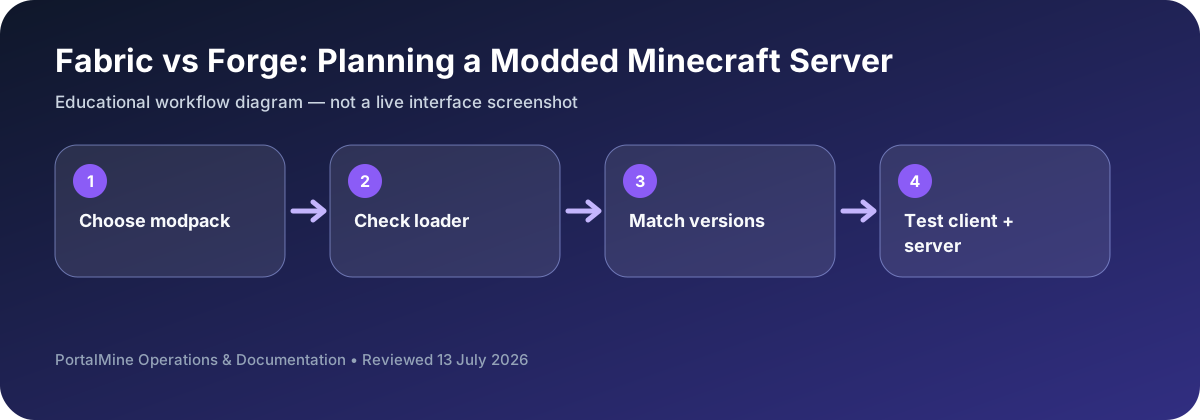
This is an educational workflow diagram based on PortalMine’s documented interface and common Minecraft administration steps; it is not a live dashboard screenshot.
1) Fabric vs Forge is really a requirements decision
If you want a modded server, you should choose the ecosystem that supports your mod list cleanly. Forge has a long-standing modpack tradition with many established packs. Fabric is often chosen for a lightweight toolchain and a fast-moving ecosystem, including many performance-oriented mods.
2) Start from your mod list
Write down must-have mods, dependencies, and the exact Minecraft version you want to run. If your favorite pack is Forge-first, pick Forge. If your stack is Fabric-first, pick Fabric. The fastest server is the one that matches your requirements without fighting compatibility.
3) Operational reality: players often need client installs
Most modded servers require players to install the same modpack or at least the same core mods. Communicate this clearly with a join guide that includes the modpack name/version and installation steps.
4) PortalMine staged approach
Start simple, test stability with a small group, then expand. This staged approach prevents public launches from becoming debugging sessions.
Bottom line: choose based on mod availability and maintenance comfort, not hype.
The mod list decides the loader
Do not choose Fabric or Forge because one name sounds faster or more popular. Start with the actual mods your group wants. Each mod declares supported Minecraft versions and loaders. Build a compatibility sheet before uploading files.
For every required mod, record the exact file version, whether it is server-only or also required on clients, and any library dependencies. Give players the same approved pack instead of asking them to assemble it independently.
Decision table
| Area | What to check | Why it matters |
|---|---|---|
| Decision source | Mods that support Fabric | Mods that support Forge/NeoForge ecosystem |
| Client preparation | Often requires matching client mods | Often requires matching client mods |
| Update risk | Version and dependency mismatch | Version and dependency mismatch |
| Safe workflow | Test copy before production | Test copy before production |
Questions server owners ask
Can one server use Fabric and Forge together?
Not as a normal supported setup. Choose the loader required by the modpack.
Why can the server start but players fail to join?
Client mod files or versions may not match the server.
What should be backed up?
World files, configuration, the complete mod list, and the exact loader/version details.