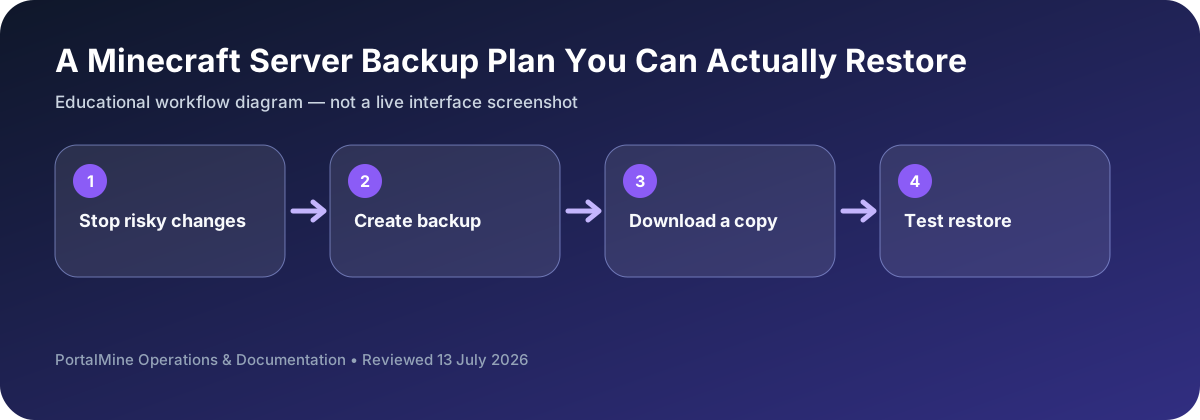
This is an educational workflow diagram based on PortalMine’s documented interface and common Minecraft administration steps; it is not a live dashboard screenshot.
1) Why backups matter
Backups protect against corruption, griefing, and mistakes.
2) Frequency and rotation
Daily minimum; rotate copies.
3) Restore testing
Test restores periodically to ensure backups are usable.
Backups are a recovery process, not a button
A backup is useful only when it contains the right files, can be identified later, and has been restored successfully at least once. Keep world data together with important configuration and a short note listing the server software and version.
Use a rotation instead of overwriting one file. For a small community, a practical pattern is several recent backups plus a less frequent milestone copy before updates or major events. Keep at least one copy outside the live server account.
Run a restore drill
Choose a quiet time, make a fresh backup, and restore it into a test location or temporary server when possible. Confirm the world opens, player data exists, and the expected spawn and inventories are present. Record the steps so another administrator can repeat them.
Decision table
| Area | What to check | Why it matters |
|---|---|---|
| Before software update | Full world and configuration backup | Label with current version and date. |
| Before plugin/mod change | Backup plus a list of files being changed | Makes rollback understandable. |
| Routine schedule | Several recent rotating copies | Protects against unnoticed corruption or mistakes. |
| Off-platform copy | Downloaded archive stored separately | Helps if the hosting account or live storage becomes unavailable. |
Questions server owners ask
How many backups should I keep?
Keep multiple recent copies and at least one older milestone copy; the exact number depends on world value and storage.
Should the server be stopped?
A controlled save and stop can reduce the chance of inconsistent files during manual copies.
What must be written beside a backup?
Date, Minecraft version, server software, important plugin/mod versions, and the reason it was created.