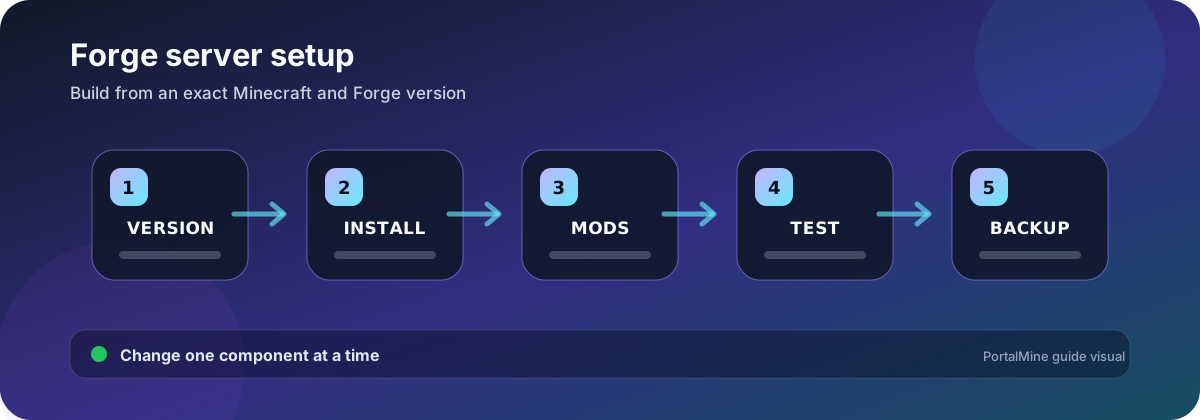
PortalMine workflow diagram. Verify software-specific values against the current official documentation before changing a production server.
Lock the version matrix before downloading files
A Forge server is a coordinated set: Minecraft version, Forge build, Java runtime, modpack release, individual mod versions, dependencies, and configuration. Changing one line of that matrix can make the pack fail even when every file is valid by itself.
| Component | Keep identical where required | Typical mismatch symptom |
|---|---|---|
| Minecraft version | Server, Forge, client profile | Incompatible client or installer refuses the target |
| Forge build | Server and client modpack | Mod loading or network channel mismatch |
| Java runtime | Server startup requirements | Unsupported class version or launcher failure |
| Mods | Required client/server set | Missing mods, registry mismatch, disconnect |
| Configs / scripts | Pack-required shared files | Different recipes, IDs, quests, or startup errors |
Install into a clean test directory
- Download Forge from the official project source for the exact Minecraft version.
- Run the installer’s server option in a clean directory.
- Use the generated launch files rather than guessing a JAR name.
- Accept the Minecraft EULA after reviewing it.
- Start without third-party mods and confirm Forge reaches a ready state.
- Add the modpack files and dependencies according to its server instructions.
- Join with the matching client profile.
Do not treat a client pack as a server pack
Client distributions can include shaders, menus, rendering tools, and other files that fail on a dedicated server. Use the pack author’s server package when available. If you must build it yourself, classify every file by side and read the first dedicated-server crash.
Plan memory around the actual pack
Large packs can require more heap than a lightweight server, but blindly allocating the entire host limit is unsafe. Leave room for Java overhead, native memory, file cache, the operating system, and the panel or container. Measure garbage collection and tick behavior under representative play.
Use a staged update
Clone the server, update the pack as one documented release, and preserve the old Java, Forge, mod, config, and world combination. Test world loading, dimensions, machines, inventories, quests, and player data. Do not open the only production world in a newer pack until rollback is confirmed.
Read Forge logs from the first cause
The last line often reports only that startup failed. Search upward for the first “Caused by”, missing dependency, mixin error, invalid configuration, or mod ID. Include the complete relevant stack when requesting help, but remove tokens and personal data.
Common mistakes
- Using a modpack client ZIP as the server package.
- Combining mods built for nearby but different Minecraft versions.
- Updating individual mods inside a curated pack without testing.
- Deleting config files to “reset” a server without saving them.
- Opening the production world before confirming a rollback.
Frequently asked questions
Do all players need Forge?
For a typical Forge content modpack, players need the matching Forge client profile and required mods.
Can a Forge server use Paper plugins?
Not natively. Forge mods and Bukkit/Paper plugins use different ecosystems unless a specific hybrid project provides compatibility, which adds its own risks.
Which Java version should I install?
Use the Java version required by the exact Minecraft and Forge release or modpack documentation. Do not assume one Java version fits every pack.
Why does the installer create launch scripts instead of one server JAR?
Modern Forge installations can use generated arguments and libraries. Use the generated startup method documented for the release.
Can I remove a mod from an existing world?
Only after testing a backup. Removing content can affect blocks, items, entities, dimensions, and saved capabilities.
Why do clients disconnect with a channel or registry error?
The client and server usually have different Forge builds, mod files, versions, or configuration that affects registries.
How should I update a modpack?
Follow the pack’s release notes, use a cloned server, and update the pack as a versioned unit.
What files belong in a support report?
Latest log, crash report, Forge/Minecraft/Java versions, mod list, exact startup command, and the first meaningful error.
Official references and further reading
- Forge Documentation — Official MinecraftForge documentation.
- Minecraft Java server download — Official Java server baseline and setup notes.
- Minecraft Java server setup — Official help-center setup guidance.