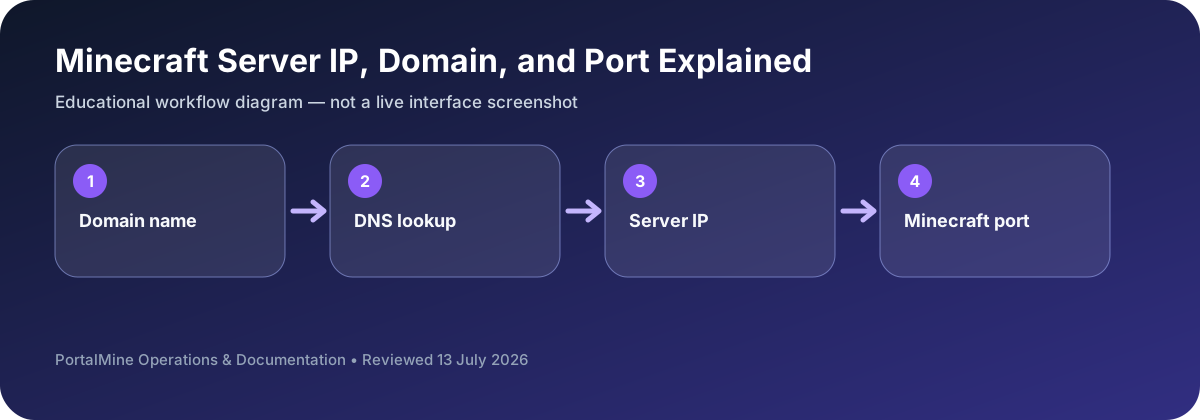
This is an educational workflow diagram based on PortalMine’s documented interface and common Minecraft administration steps; it is not a live dashboard screenshot.
1) Why players get confused
Most connection problems are basic misunderstandings: IP vs domain vs port, wrong version, or typing mistakes. When you explain the address clearly and publish it in one place, the number of “can’t connect” messages drops sharply.
2) IP address: the host location
An IP address is the numerical network address of the host (or endpoint) providing the Minecraft server service. It identifies where traffic should go on the internet.
3) Domain: a human-friendly alias
A domain is a name that points to an IP through DNS. Domains are easier to remember and can stay constant even if the underlying IP changes.
4) Port: the “door” to the service
A single host can run many services, so ports separate them. Minecraft Java servers commonly use port 25565. If you use a non-default port, players must specify it (example: play.example.com:25566).
5) What common errors usually mean
- Connection refused: wrong port or server not running.
- Timed out: firewall/routing/packet loss or server offline.
- Version mismatch: client version incompatible.
6) PortalMine best practice
PortalMine’s UI model—clear address and simple instructions—is exactly how you should present joining information in Discord and on your site.
Bottom line: domain/IP gets players to the host, and the port gets them to the correct service.
Copy the complete connection details
Most beginner connection failures are transcription problems. A domain can point to the correct server while the player enters the wrong port, or a copied address may include an extra space. Share connection details as plain text and specify the edition beside them.
When testing, use the exact address shown by the panel. Avoid switching between several old subdomains while troubleshooting, because cached DNS results can make the outcome confusing.
Decision table
| Area | What to check | Why it matters |
|---|---|---|
| Domain | Human-readable name such as play.example.com | Must resolve through DNS. |
| IP address | Numeric network destination | May change depending on the hosting setup. |
| Port | Service endpoint on that destination | Bedrock clients commonly request it in a separate field. |
| Edition/version | Client compatibility information | A correct address cannot fix an edition mismatch. |
Questions server owners ask
Why does the domain work for one player but not another?
DNS caching, local network filtering, or a typo can affect individual players.
Is 25565 always required?
It is a common Java default, but hosts can use other ports or DNS records that hide it.
Why does Bedrock ask for a port separately?
The Bedrock client interface commonly separates the server address and port fields.