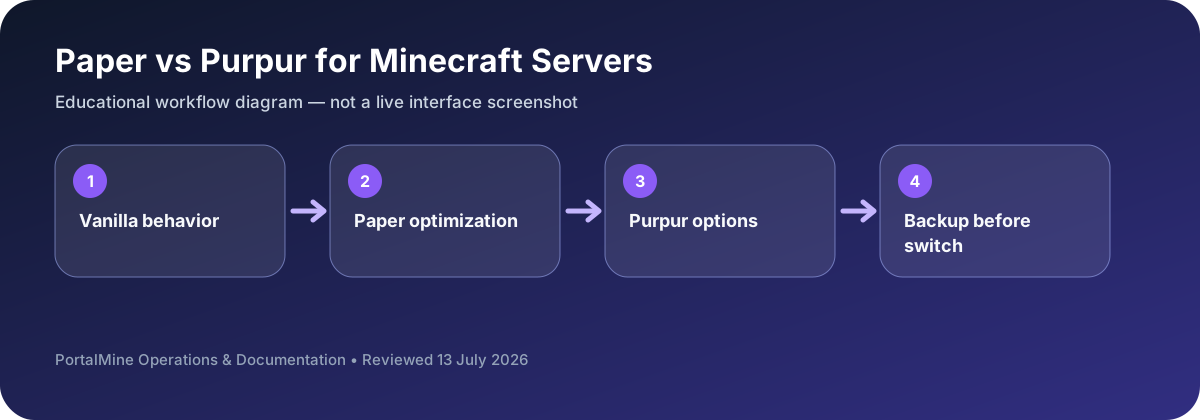
This is an educational workflow diagram based on PortalMine’s documented interface and common Minecraft administration steps; it is not a live dashboard screenshot.
1) What “Paper” and “Purpur” represent
In Java hosting, “server type” often means the server implementation you run. Paper is widely used because it targets practical performance improvements and broad plugin compatibility. Purpur is commonly chosen by admins who want even more configuration toggles and quality-of-life controls on top of a Paper-like baseline.
2) Paper: a safe default
Paper is popular for survival communities, minigames, and general public servers because it is well documented and widely understood by plugin developers. Many server guides assume a Paper environment.
3) Purpur: more control, more responsibility
Purpur adds additional configuration options. This can be excellent if you want to fine-tune mechanics or reduce specific griefing patterns. The tradeoff is that you should document any meaningful behavior changes so players are not surprised.
4) How to choose
- Choose Paper if you want predictability and the most common baseline.
- Choose Purpur if you want extra control and you are willing to manage it carefully.
- Keep your plugin stack minimal at the start and measure TPS in real gameplay.
5) PortalMine recommendation
If you are new, start with the simplest stable choice (often Paper), then move to more advanced tuning only when you have clear reasons.
Bottom line: Paper is the safe default; Purpur is for admins who want more configuration control.
Choose the smallest amount of complexity you need
Paper is a practical default when a server owner wants plugin support and sensible performance improvements without a large number of additional gameplay options. Purpur extends that ecosystem with more configuration. Extra controls are useful only when the team understands why each setting is being changed.
Before switching software, back up the world and record the current version. Test the same plugins after the change and compare behavior rather than assuming that a successful startup means full compatibility.
Decision table
| Area | What to check | Why it matters |
|---|---|---|
| Configuration depth | Focused defaults and common tuning | More gameplay and behavior options |
| Beginner fit | Usually the safer starting point | Better after a clear need is identified |
| Plugin ecosystem | Broad Bukkit/Spigot compatibility | Built on the same general ecosystem |
| Change process | Backup and test | Backup, document changed options, and test |
Questions server owners ask
Is Purpur always faster?
Not automatically. Performance depends on workload, configuration, plugins, and hardware.
Will Paper plugins work on Purpur?
Many do because Purpur builds on the Paper ecosystem, but every important plugin should still be tested.
Which should a new owner choose?
Paper is usually a simpler default unless a specific Purpur feature is required.