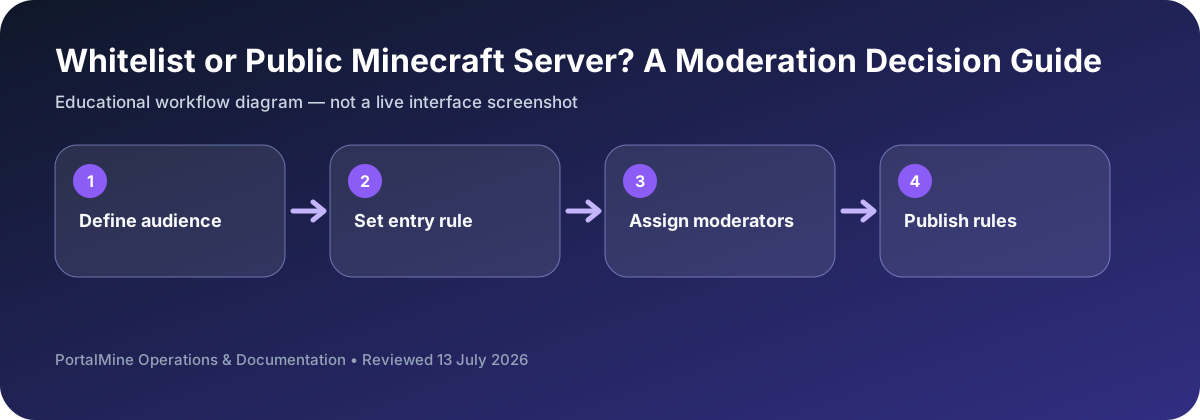
This is an educational workflow diagram based on PortalMine’s documented interface and common Minecraft administration steps; it is not a live dashboard screenshot.
1) Whitelist basics
Controls who can join.
2) When to use it
Private and early-stage servers.
Access level changes the operating workload
A whitelist is not only a join setting; it reduces the number of unknown users who can reach the world and makes expectations easier to communicate. It is a strong default for friends, classrooms, private groups, and early testing.
A public server requires more than removing the whitelist. Before opening, publish rules, define how reports are handled, appoint moderators across active hours, review permissions, and confirm that backups can be restored. Public access should be a planned launch, not an accidental setting change.
Decision table
| Area | What to check | Why it matters |
|---|---|---|
| Private friends server | Whitelist with named members | Low moderation load; easy accountability. |
| Application-based community | Whitelist after review | Controlled growth and clearer onboarding. |
| Public community | Open access with rules and moderation | Higher support, abuse, and security workload. |
| Temporary event | Limited-time access and clear event rules | Prepare rollback and moderation coverage. |
Questions server owners ask
Does a whitelist prevent all griefing?
No. Approved players can still make mistakes or abuse access, so permissions and backups matter.
When should a server become public?
When rules, moderation coverage, reporting, security, and recovery are ready.
Can I begin private and expand later?
Yes. Controlled growth is often easier than starting public and trying to repair governance later.